


Split Screen Laptop: Dual Display, Screen Extender, or Portable Monitor?
Post Author:
GetMi Team
Date Posted:
August 21, 2026
Share This:
A built-in dual-display laptop fits a fixed two-screen SKU, a clip-on screen extender fits an attached travel setup, and a portable monitor fits the broadest range of laptop bundles. Choose the form that matches the buyer’s product plan, not the phrase “split screen laptop.”
Which Split Screen Laptop Setup Fits the Buyer?
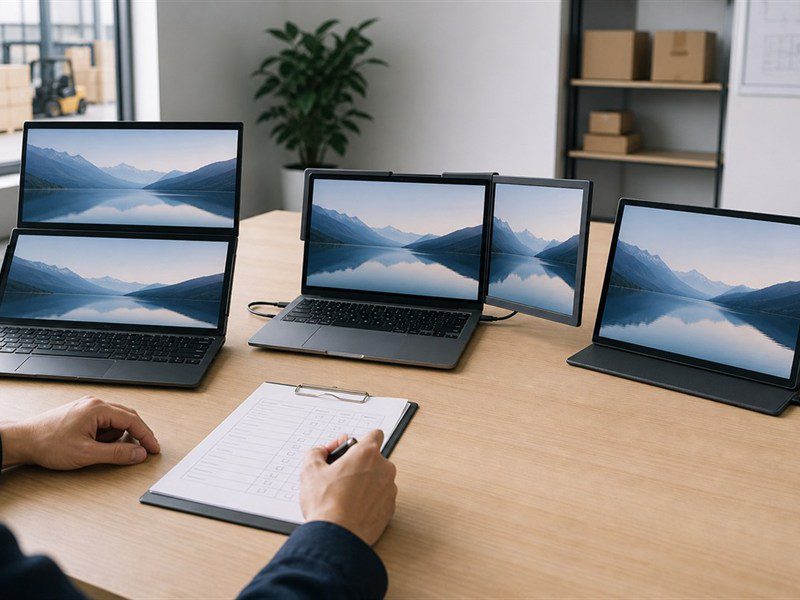
These three products solve different buying problems. The choice affects the host laptop, cable bundle, sample test, and retail position.
| Option | Best Fit | Buyer Approval Point |
|---|---|---|
| Built-in dual-display laptop | One defined laptop SKU | Screen role, OS image, ports, weight, keyboard, and configuration |
| Clip-on screen extender | An attached accessory for a defined laptop range | Laptop-size fit, mount, video path, power path, and driver needs |
| Portable monitor | A separate display for a laptop bundle or compatible devices | Video input, power method, cables, stand or case, and compatibility |
Built-In Dual-Display Laptop
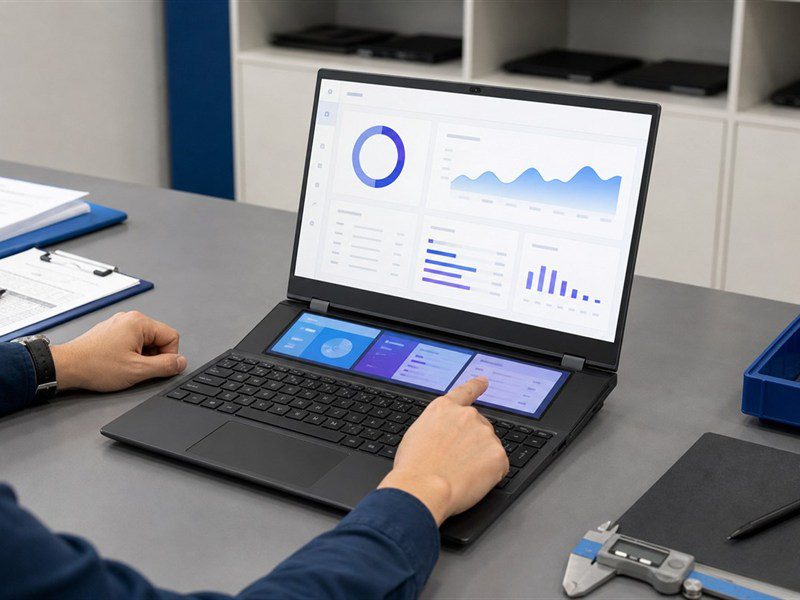
Choose a built-in dual-display laptop when the second screen is part of the product concept and the buyer wants one controlled SKU. The approved sample needs to show the main and secondary screen behavior in the shipping OS, the available ports, the keyboard layout, and the physical effect of the added screen. A change to any of those items should return to sample approval before the bulk order.
Clip-On Screen Extender
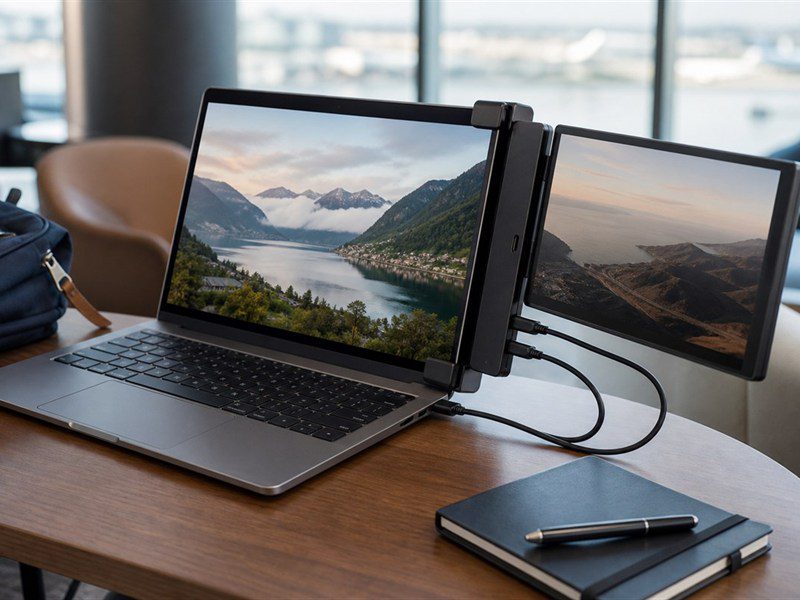
Choose a clip-on screen extender when the buyer wants a travel-oriented multi-screen bundle without building the second panel into the laptop. The panel matters, but the mount and laptop fit decide whether the product works as a bundle.
- Confirm the supported laptop-size range and mount stability.
- Confirm the video and power connection required for each panel.
- Test whether the host lid can carry the accessory during normal use.
Do not assume that an extender works on every laptop with a USB-C-shaped port.
Portable Monitor
Choose a portable monitor when the buyer needs one separate display that can be bundled with a laptop or used with another compatible source device. This gives the buyer more packaging and sales options, but the stand or case, cables, power method, and setup guidance become part of the product rather than optional extras.
How Should Buyers Check a Second Display Connection?
Check the video path, power path, and operating-system behavior on the exact host device before approving the product. A connector shape alone does not prove that a laptop can extend a desktop to the required number of screens.
Video Output and Display Modes
Confirm which port sends video and whether the host device supports the planned extended desktop or mirrored image. HDMI and Micro HDMI are common display connections. USB-C video depends on the host device and the selected cable or adapter, so the sample must prove the planned display mode at the shipping OS settings.
Power Delivery and Adapters
Treat power as its own approval item. A suitable USB-C connection may carry video and power, while another setup may need HDMI for video plus a separate USB or power adapter. Use the proposed cables, charger, dock, regional plug, and brightness setting when testing. The portable monitor setup guide covers the connection, power, and test path that should be repeated for the proposed bundle.
Operating System and Driver Support
Confirm the operating system and host-device support before promising a multi-screen result. A Mac, Windows laptop, and Chromebook may use different connection paths, display limits, or settings. A screen extender may need its own driver or utility, while a standard portable monitor may not. Save the tested host models, cables, and settings with the sample record, then exclude untested configurations from the sales claim.
What Should Be Approved Before a Bulk Order?
Approve the complete second-screen package. The display panel, cable, adapter, packaging, and compatibility instructions need to work together in the same sample.
Configuration and Accessory Bundle
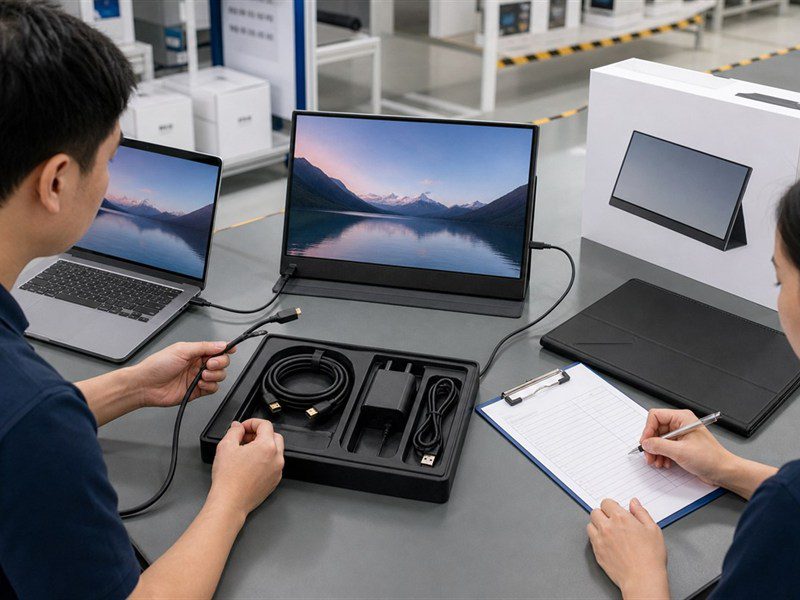
Lock the display format, source-device ports, power method, included cables, stand or mount, case, and protective materials. When the buyer needs private labeling, approve the logo position, retail box, manual language, and labels on the same sample. These items change the customer setup experience, so they should not be left until after configuration approval.
Sample Test Plan
Use the sample routine on the full bundle that the customer will receive. The portable monitor OEM process gives a useful reference for turning the requirement sheet into an approval record.
- Connect the display with the intended cable set and power source.
- Test extended and mirrored modes where the sales program promises them.
- Restart and wake the host device to check that the display reconnects as expected.
- Inspect the mount, stand, case, cable strain relief, and retail packing after handling.
Keep the photos, tested host-device list, and accepted settings with the sample record. This gives the factory, distributor, and support team one reference for later batch checks.
Packaging and Market Documents
Request the destination-market documents and markings before release. Certificate scope, model coverage, and import requirements must match the final product and market; a generic certificate list or a similar model is not enough. The packaging should name the supported connection methods, power requirement, included cables, and setup limits. MOQ, lead time, warranty, certificate scope, and shipping terms remain subject to order-specific confirmation.
Which GetMi Program Fits the Requirement?
GetMi can support either a dual-screen laptop program or a portable-monitor program after the buyer defines the screen arrangement, host-device compatibility, branding, packaging, and sample test. The inquiry should name the product path, target market, planned quantity, and source devices.
Dual-Screen Laptop Programs
For a second display built into the laptop, start with a dual-screen laptop sample. The GetMi Lite 156D Dual Screen Laptop is a current dual-screen model page. Its final configuration, market fit, and order terms still need confirmation for the specific program.
Portable Monitor Programs
For a separate display, start with the portable monitor range and define the target host devices, connection method, power arrangement, accessories, and branding needs. GetMi supports hardware configuration, logo, software, packaging, and shipment customization at the project level, subject to final product and order requirements.
FAQs
Does USB-C Always Carry Video to a Second Screen?
No. USB-C describes the connector shape. Video output depends on the host device, port capability, cable, adapter, and display input. Confirm the exact host device before approving a one-cable second-screen setup.
Can a Screen Extender Work With a Mac or Chromebook?
A screen extender may work with a Mac or Chromebook when the host device, ports, operating system, cable, and any required driver support the intended display arrangement. Test the exact host model and intended mode before listing compatibility.
Can a Portable Monitor Be Used With a Phone?
A portable monitor can work with a phone when the phone supports the required video-output method and the display, cable, and power arrangement match that method. Confirm compatibility by phone model rather than promising support for every phone with USB-C.
Does a Battery Portable Monitor Need Its Own Sample Test?
Yes. Test charging, operating time, power input, and the supplied adapter alongside the normal video and connection checks. Battery capacity and runtime need confirmation for the exact model and configuration.
What Should a Buyer Include in a Split Screen Laptop Quote Request?
State whether the order is for a built-in dual-display laptop, screen extender, or portable monitor. Add the target market, quantity, host-device models, display mode, ports, power method, accessory bundle, branding, packaging, and required documents so the supplier can prepare a matched sample and quote.

