

IPS vs. OLED: What Bulk Buyers Should Specify for Portable Monitors
Post Author:
GetMI Team
Date Posted:
September 17, 2026
Share This:
IPS is the safer baseline for most high-volume portable monitor programs that prioritize stable office use, predictable costs, and long sessions with static content. OLED fits projects that place a higher value on deep blacks, high contrast, and fast pixel response, provided the budget and warranty terms account for possible image retention. With either display technology, approval depends on measurable optical targets from a golden sample, not the panel label alone.
How IPS and OLED Differences Change a Bulk Order
IPS modules use an LED backlight behind liquid crystal cells. OLED panels use self-emissive organic pixels that can switch off in dark image areas. This difference affects the bill of materials (BOM), heat management, power behavior, service life, and warranty exposure in a bulk order.
| Procurement Factor | IPS Display | OLED Display |
|---|---|---|
| Black Level and Contrast | The backlight limits black depth and may create visible glow in dark scenes | Pixels switch off in dark areas, producing deeper blacks without backlight bleed |
| Pixel Response and Motion | Motion quality depends on liquid crystal response and overdrive tuning | Pixel response is usually faster, but the scaler and firmware still affect motion quality |
| Static Interface Longevity | IPS avoids the permanent organic subpixel aging that causes OLED burn-in | Fixed taskbars, menus, and stock tickers can age subpixels unevenly over time |
| Luminance Stability | Full-screen white brightness is generally more stable across different content | Brightness may drop on large white areas when the panel limits current and heat |
| Text Clarity and Subpixels | Standard RGB stripe layouts usually render desktop text cleanly | Some subpixel layouts can create color fringing around fine text and line art |
| Power Draw Profile | Power draw follows the selected backlight level more than the displayed image | Power draw changes with the share of bright and dark content on the screen |
These traits help narrow the panel type, but they do not approve a purchase order. A well-specified IPS module can outperform a lower-grade OLED module in full-screen brightness or desktop text clarity. Hardware importers need optical and electrical limits for the actual panel module used in each production run.
Which Panel Fits the Target Use Case?
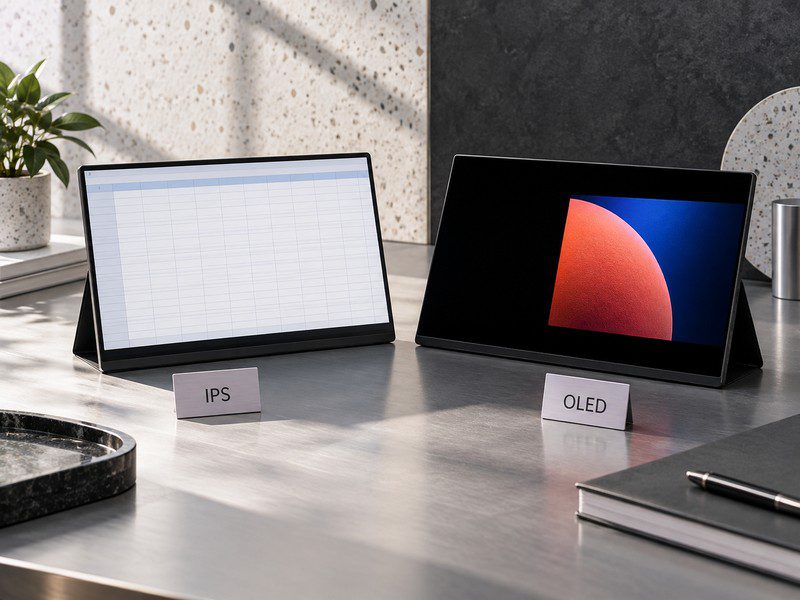
Choose the panel around the workload that users will run most often. Brand distributors sourcing portable monitors need to compare the panel with the environment, software, and price point of the finished product.
Portable monitor office and creative uses](https://getmilaptop.com/wp-content/uploads/2026/09/portable-monitor-use-case-selection.jpg "portable monitor use case selection")
| Target Deployment | Recommended Panel Baseline | Engineering Verification Focus |
|---|---|---|
| Enterprise productivity, spreadsheets, ERP dashboards, and point-of-sale terminals | IPS | Check matte coating, text sharpness, and stability during long sessions with static interfaces |
| Mobile creative editing, dark-scene video work, and executive presentations | OLED | Confirm color targets, sustained full-screen luminance, and enabled panel-care functions |
| Competitive gaming and high-frame-rate multimedia | Fast-response OLED or high-refresh-rate IPS | Test input lag, motion artifacts, variable refresh rate behavior, and host compatibility |
| High-volume retail distribution and regional education tenders | Standard IPS | Balance the display BOM with chassis protection, folio quality, and included cables |
| Dual-screen enterprise fleet expansion | Compare qualified IPS and OLED samples | Measure landed cost, power draw, text clarity, and support risk with the target software image |
The panel label does not define the rest of the display. An OLED panel does not automatically include a high refresh rate or touch input, and an IPS panel may still support a wide color gamut. Lock the complete configuration to the commercial use case, then confirm that production units repeat the approved sample.
What Should the RFQ Specify Beyond IPS or OLED?
An OEM/ODM Request for Quotation (RFQ) identifies the panel module and the acceptance limits that production units must meet. A description such as “15.6-inch IPS screen” leaves room for changes in the open cell, backlight, or module revision while the finished product keeps the same marketing label.
Panel Identity and Image Targets
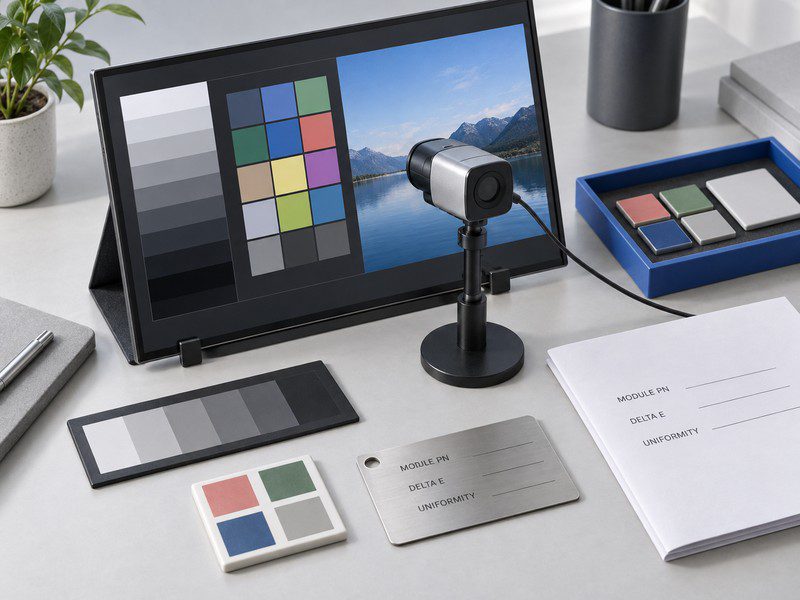
Ask the OEM partner to list the panel manufacturer, exact module part number, production revision, and any approved alternate source. The RFQ also states the required luminance, color gamut, color error limit, and screen uniformity method. These targets need defined test settings so the factory and procurement team measure the same condition.
The optical surface stack belongs in the same specification. State whether the product uses a matte anti-glare surface or bonded cover glass, then define any required haze or fingerprint treatment. Matching incoming inspection criteria to approved marketing claims reduces disputes over brightness, color, and viewing quality after production starts.
Duty Cycle and Protection Controls
Record expected daily run time, fixed interface elements, and the operating temperature range. For OLED projects, ask the factory to document pixel shifting, static-logo dimming, automatic dimming, and compensation cycles. The specification states which functions the factory enables by default and whether users can change them in the On-Screen Display (OSD) menu.
Panel warranty terms also need written boundaries. Some commercial display warranties limit coverage for image retention caused by static content, so confirm the retention test, remedy, and exclusion language before approving an OLED order. For IPS panels, define the inspection method for backlight bleed, IPS glow, and dead or stuck pixels. If a project uses a named pixel-defect standard, put the exact class and acceptance rule in the contract instead of assuming that every supplier applies the same threshold.
Power, Ports, and Mechanical Details
A portable monitor combines the panel, scaler board, firmware, enclosure, and accessories. Test power draw with bright, mixed, and dark content at the specified brightness. This content mix matters most for OLED. For IPS, record the selected backlight level with every measurement.
A portable monitor setup may use single-cable USB Type-C when the host supports DisplayPort Alt Mode and supplies enough power. The RFQ needs tests with the included cable and the target laptops, mini PCs, or phones. If the host cannot supply stable power, specify a separate power input or an HDMI connection with auxiliary USB power.
How Should Buyers Test the Portable Monitor Sample?
Test the portable monitor sample in the same conditions planned for deployment, using the bundled cables and target host systems. Keep OSD settings fixed and disable software adjustments that would change the measurement between units.
Image and Motion Tests
Let each sample reach stable operating temperature before recording measurements. Under controlled ambient light, inspect full-screen colors, grayscale ramps, desktop text, and motion sequences. Use a calibrated colorimeter to record brightness, black level, color error, and screen uniformity according to the RFQ method.
Include high-contrast transitions that reveal ghosting, overshoot, or other scaler-tuning problems. Open the same business software, web portals, and spreadsheets that the target users will run. This step shows whether fine text remains clear and whether subpixel rendering produces visible color fringes.
Static-Content and Power Tests
Run static menus, point-of-sale grids, or taskbars for a soak period based on the intended duty cycle. After the soak, inspect neutral gray screens for temporary image retention and uneven aging. On OLED samples, record recovery behavior and confirm that the specified compensation functions activate.
Measure input current with representative bright, mixed, and dark content. For a single-cable USB-C setup, also log the connected laptop’s discharge behavior. Repeated sleep, restart, and hot-plug cycles can expose handshake failures that do not appear during a short demonstration.
Unit-to-Unit Consistency
One golden sample cannot show normal production variation. Compare multiple pilot units, and include more than one panel lot when the sourcing plan allows it. Record panel revision codes, firmware versions, color temperature, luminance uniformity, and housing fit. Variation outside the approved limits requires investigation before mass production.
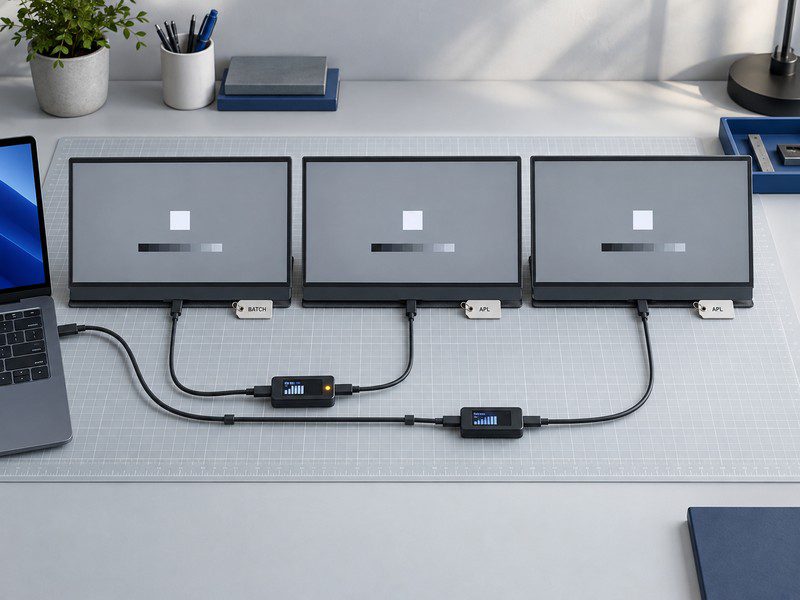
The golden-sample record includes serial numbers, optical measurements, firmware identifiers, and panel label photos. Before the portable monitor OEM process moves into volume production, this record gives the factory and procurement team one baseline for cosmetic allowances and functional defects.
How Should Buyers Control the Panel During Production?
Lock the bill of materials (BOM) before production starts. The purchase agreement requires written approval and requalification before the supplier changes the panel manufacturer, module revision, backlight assembly, scaler controller, or firmware.
Use the golden sample during incoming checks and final portable monitor batch inspection. The release record connects each control point to evidence that a quality team can review:
| Production Control | Required Record |
|---|---|
| Panel identity and approved alternates | Manufacturer, full module part number, and revision |
| Optical acceptance limits | Test instrument, test pattern, color limit, uniformity limit, and sampling plan |
| OLED protection settings | Firmware defaults, retention test conditions, and compensation behavior |
| Cable and power compatibility | Approved USB-C cable, power adapter, and host-device matrix |
| Pixel and enclosure inspection | Pixel-defect rule, surface uniformity limit, and finish criteria |
| Lot release | Failure disposition, quarantine authority, rework decision, and final sign-off |
GetMi lists the GetMi P150 and GetMi P156 Portable Monitor for portable monitor projects. Exact panel modules, ports, brightness, color coverage, and other configuration details require confirmation from the current product datasheet and pilot sample. Approve those details before committing to volume.
FAQs
Does OLED Always Use Less Power Than IPS?
No. OLED power use changes with image content, while IPS power use depends more heavily on the backlight setting. Compare equally sized samples at the same measured brightness with a content loop that represents the target workload. This method gives procurement teams a defensible power figure for battery-runtime and adapter requirements.
Can an IPS Portable Monitor Be Accurate Enough for Creative Work?
Yes, if the selected IPS module and factory calibration meet the project’s measured color targets. The IPS label alone does not prove gamut coverage or color accuracy. Creative-market orders need a defined color space, color-error limit, uniformity method, calibration record, and sample acceptance process in the RFQ.
Should Buyers Accept Terms Such as “OLED-Like” or “IPS-Level”?
No. Terms such as “OLED-like” and “IPS-level” do not identify a panel architecture or module. A purchase order needs the required display technology, panel manufacturer, full module part number, approved alternates, and test limits. This wording gives incoming inspection a specification it can verify.

