

GiB vs. GB: How to State Storage and RAM Capacity in an OEM Device RFQ
Post Author:
GetMI Team
Date Posted:
September 30, 2026
Share This:
GB equals 1,000,000,000 bytes. GiB equals 1,073,741,824 bytes, about 7.4 % larger. A device RFQ should state the unit, the byte definition behind it, and the specific screen or diagnostic field used to accept the production-intent sample. Apply this rule to every tablet, laptop, mini PC, and all-in-one PC in the RFQ.
What Is the Difference Between GiB and GB?
GB is a decimal unit based on powers of 1,000. GiB is a binary unit based on powers of 1,024. The capital B means bytes.
| Quoted Decimal Capacity | Exact Byte Count | Binary Equivalent |
|---|---|---|
| 128 GB | 128,000,000,000 bytes | About 119.2 GiB |
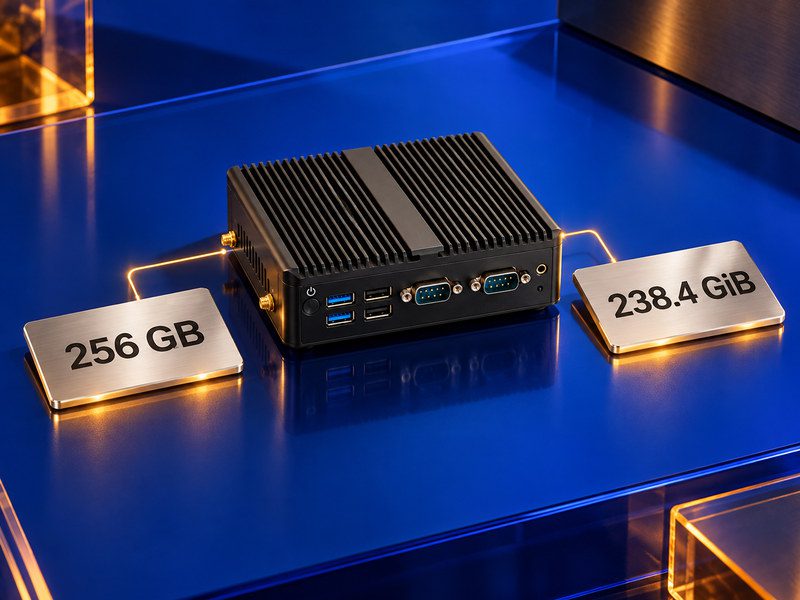
| 256 GB | 256,000,000,000 bytes | About 238.4 GiB |
| 512 GB | 512,000,000,000 bytes | About 476.8 GiB |
| 1 TB | 1,000,000,000,000 bytes | About 931.3 GiB |
These figures are arithmetic conversions, not sample measurements. A 256 GB quote may appear as 238.4 GiB, yet both refer to the same byte count. Rejecting that sample only on the lower number would be a unit error.
Even when both the storage and RAM lines say GB, the underlying byte basis may differ. Define each basis separately. For RAM, use GiB when the requirement is binary and include the exact byte count.
Why Does a Sample Show Less Capacity Than the Quote?
A sample may show a smaller number for several reasons, and each one calls for a different check.
- Unit conversion changes the displayed number, not the underlying byte count. Dividing a decimal storage value by 1,073,741,824 produces a smaller GiB figure.
- Formatting creates volumes and file-system structures that reduce the reported capacity below the storage device’s stated size.
- System use by the operating system, recovery partition, reserved storage, updates, and pre-installed applications reduces free space after imaging.
- RAM readout labels vary. Screens may show installed, total physical, usable, or available memory. Available memory changes while the device runs and does not represent installed capacity.
For storage, compare total device capacity from the agreed readout with the RFQ byte basis. Treat free space after the approved OS image as a separate requirement. For RAM, compare installed physical memory with the approved part record.
Record any minimum free-space requirement after the approved image in the storage line of the RFQ, alongside the selected eMMC or SSD type.
How Should an RFQ State Storage and RAM Capacity?
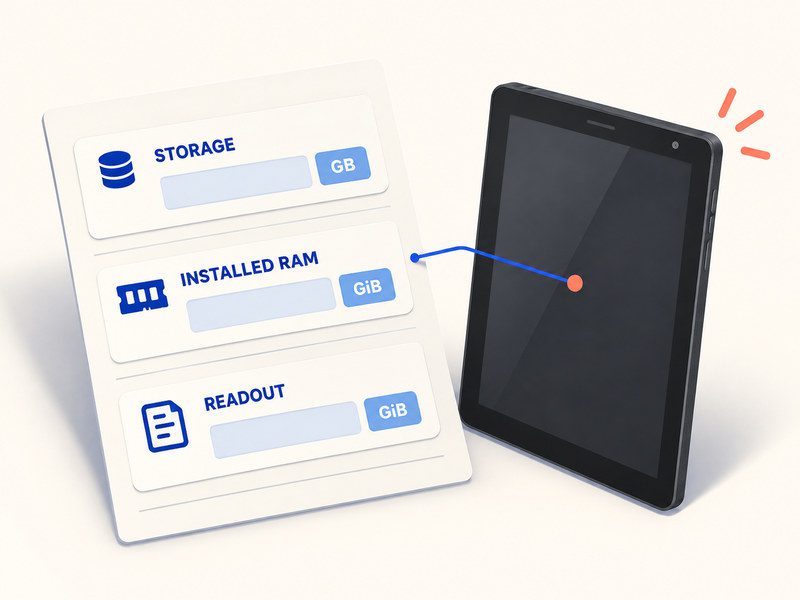
A line such as “256 GB storage and 16 GB RAM” is incomplete. State the capacity basis, acceptance readout, approval rule, and change-control requirement.
| RFQ Field | What to Write |
|---|---|
| Device and Software Baseline | Device type, OS edition and build, image identifier, language package |
| Storage Capacity | Nominal capacity, unit, byte definition, storage part or approved part list, whether the value describes the raw device or a formatted volume |
| Installed RAM | Capacity, unit, byte definition, module or package identity, readout used for acceptance |
| Sample Readout | Exact Settings path, diagnostic tool, command, or factory test screen; include the field name and displayed unit |
| Acceptance Rule | Expected value or conversion method, rounding rule, named approver, treatment of any difference |
| Change Control | Written buyer approval before changing capacity, component, readout method, or OS image |
Storage example: Storage: 256 GB, where 1 GB = 1,000,000,000 bytes. Sample check: total device capacity from [named tool and field], converted to the same byte basis. Free space after imaging is a separate requirement.
RAM example: Installed RAM: 16 GiB = 17,179,869,184 bytes. Accept against Installed RAM and the approved part record, not Available RAM. If a supplier quote uses 16 GB, require the supplier to map that label to the RFQ byte count in writing before sample approval.
Do not invent a tolerance. Name the approver and the rule that person will apply. Any numeric tolerance must come from the buyer’s acceptance plan or the supplier’s QC record.
How Do You Check Capacity on the Production Sample?
Use the capacity field, OS build, and tool named in the RFQ. A screenshot from a different screen does not prove the sample meets the agreed capacity line.
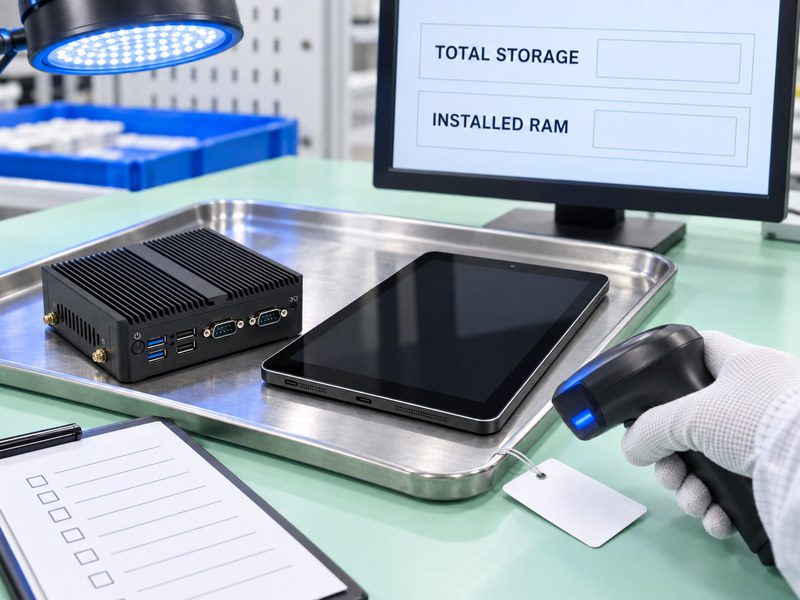
- Match the sample serial number, storage part, RAM part, BOM revision, and OS image identifier to the quote and sample record.
- Record the OS edition, version, and build. On Windows, System > About shows installed RAM; System > Storage and Disks & volumes show storage capacity and usage. On Android, use Settings > Storage or the named factory diagnostic for storage. If the Android build does not expose a suitable installed-memory field, use the factory diagnostic and part record for RAM.
- Capture total storage capacity and its displayed unit. Record the byte value when the tool exposes it. Do not substitute free or available storage.
- Capture Installed RAM and its displayed unit. Do not substitute Available Memory, which changes with system load.
- Convert the recorded value to the RFQ byte basis and apply the written rounding and approval rule.
- Save the screenshots or logs with the sample serial number, tool name, OS build, image identifier, date, result, and approver.
If the values do not reconcile, pause acceptance and check component identity, partitions, image, diagnostic method, and RFQ wording. Do not classify the difference as a defect or an acceptable variance until those checks are complete.
FAQs
Does the Choice Between GB and GiB Affect Device Performance?
No. The unit label describes how capacity is counted, not how the hardware performs. Define performance requirements in separate sample tests.
What if the Sample Does Not Show Capacity in Bytes?
Use another diagnostic listed in the acceptance plan, or verify the approved component record directly. Save the displayed value, unit, tool, and OS build. Do not accept or reject the sample from a rounded GB or GiB screen alone when the RFQ controls the exact byte count.
Must Repeat Orders Use the Same Capacity-Check Method?
Yes, unless the buyer approves a revision. The same readout, conversion method, software baseline, and approval rule keep batches comparable. If any of these change, record and approve the new baseline before production starts.
Send GetMi a Capacity Brief
GetMi’s OEM/ODM computer customization process covers hardware selection, software setup, sample approval, and production.
Send GetMi the capacity brief with the device type, target OS build, storage line, installed RAM line, sample readout, expected conversion, and approval owner. GetMi sales and engineering can confirm the selected model, components, unit convention, readout method, and permitted changes before the named owner approves the quote and sample.

