

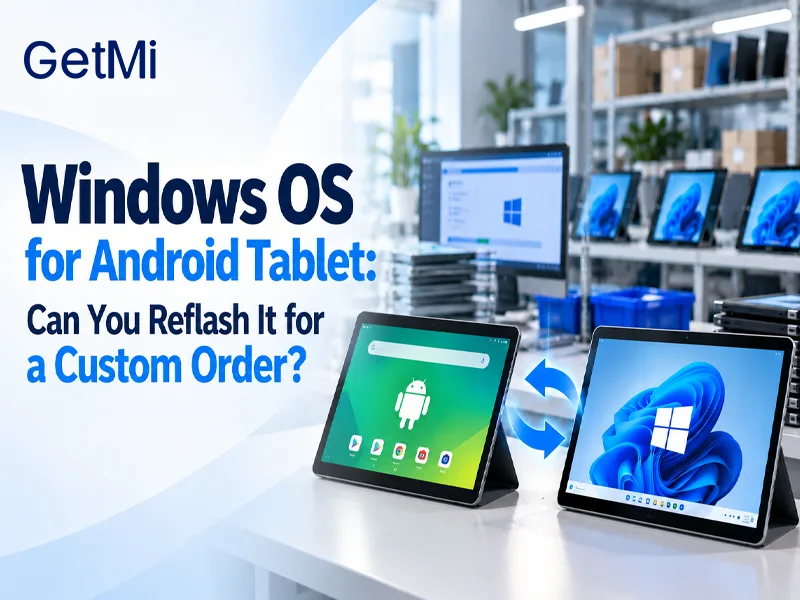
Windows OS for Android Tablet: Can You Reflash It for a Custom Order?
Post Author:
GetMi Team
Date Posted:
October 1, 2026
Share This:
For a custom order that must run Windows software locally, choose Windows-ready hardware before sampling. An Android tablet may accept a device-specific Windows port, but flashing an image alone cannot establish a supported, repeatable commercial configuration.
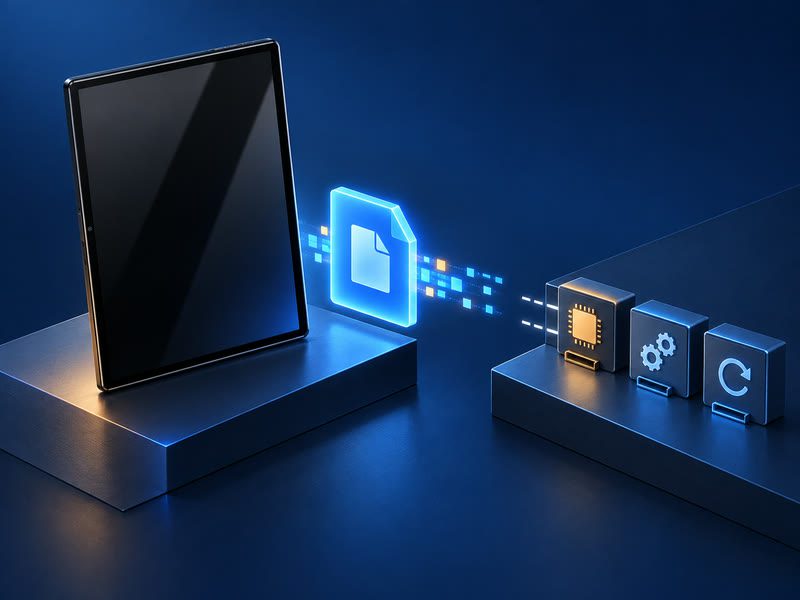
Why Can’t a Windows Image Alone Convert an Android Tablet?
Flashing an OS image changes stored software; it cannot by itself add Windows-compatible boot firmware or missing device drivers. An experimental port might reach the Windows desktop while touch, Wi-Fi, charging, sleep, or recovery still fails. For a batch, the manufacturer must support the exact hardware revision and reproduce a tested image across production units.
What Must a Windows-Ready Tablet Support?
A Windows-ready tablet needs a supported boot chain and drivers matched to its components, both set by the board design.
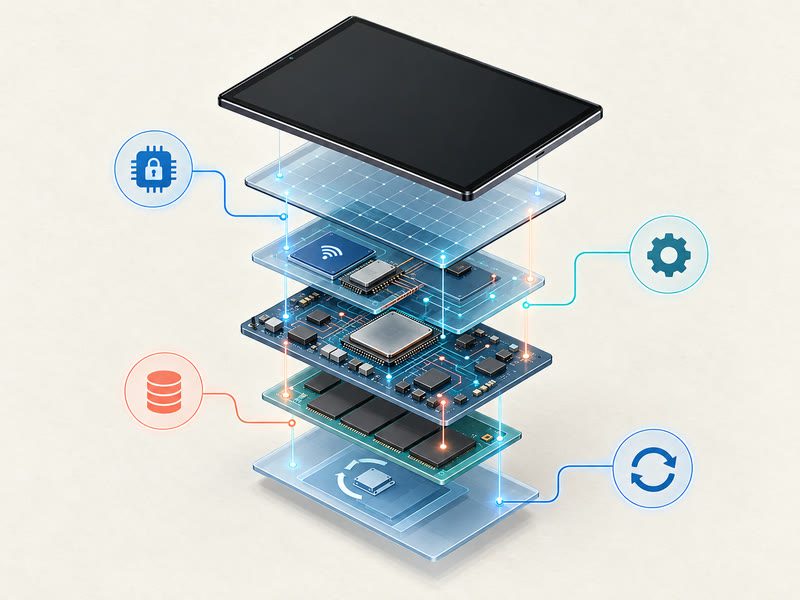
Boot Firmware and Security
Windows 11 requires UEFI firmware, Secure Boot capability, and TPM 2.0. The board must hand off to the Windows boot loader and have a recovery path for its storage layout. An Android boot loader or a Windows download does not establish this support.
Drivers and Power Management
The device needs tested Windows drivers for the actual touch controller, wireless chipset, audio, cameras, and order-critical ports. Firmware and drivers also manage battery reporting, charging, sleep, and wake. A component change between production runs may require retesting the approved image.
Storage Layout and Recovery
Android boards typically use eMMC or UFS storage with a partition scheme designed around Android’s A/B update slots. A Windows installation needs a GPT partition table, an EFI System Partition, and an NTFS or ReFS system volume. Reflashing alone may write the new layout, but it does not establish a factory recovery path. The manufacturer must confirm that the storage controller, its firmware, and the boot sequence support the Windows partition scheme, and that a field reset or factory recovery can restore the approved Windows image without returning the device.
For a batch order, ask whether the factory has a validated mass-flashing process for the Windows image. A one-off installation from a USB drive does not prove the supplier can write the same image reliably across hundreds or thousands of units.
Certification and Compliance
Regulatory certifications such as CE, FCC, and RoHS are tied to the hardware-software configuration submitted for testing. Changing the operating system can alter wireless protocol behavior, power states, and EMC characteristics, which may affect test results that the original certification covered. An Android tablet’s existing certificate does not automatically extend to the same hardware running Windows.
Before committing to a Windows conversion for a batch, confirm with the manufacturer whether the new OS configuration has been tested under the certifications required for the target market. If not, factor the cost and lead time of recertification into the project plan. Shipping devices under a certificate that does not cover the actual configuration creates import and liability risk.
Does Windows on Arm Change the Answer?
Windows 11 has an Arm64 version, so the processor need not be x86. It can emulate many x86 and x64 desktop applications, but kernel-mode drivers require native Arm64 versions. If a required EXE depends on a scanner, printer, or other specialized peripheral, test the application and driver together on the proposed Windows hardware.
Applications that rely only on user-mode code, standard desktop software, browser-based tools, most office and data-entry programs, usually run under emulation without issues. Problems tend to appear with software that installs kernel-mode components: hardware dongles, USB security keys, serial-port device drivers, custom print drivers, and industrial peripherals. These components need native Arm64 driver versions that may not exist for every vendor’s hardware.
Before selecting an Arm-based Windows tablet, list every application and peripheral the order depends on. Install and test each one on the proposed hardware. An application that installs without errors can still fail at the point where it calls a missing native driver. Treat “installs successfully” and “completes the full production task” as two separate test results.
When Can Remote Desktop Work Instead?
Remote desktop lets an Android tablet control software running on a separate Windows computer. The tablet remains an Android device, and the Windows session stops without a connection or an available host. Peripheral forwarding depends on the remote service, client, device type, and IT policy, so test each required device through the full connection.
What Should Buyers Specify Before Sampling?
Send the supplier the application and version, required drivers and peripherals, account setup, and offline requirements. Use the supplier’s OEM/ODM process to request native Windows hardware, then test the full workflow on a production-intent sample.
From Sample Approval to Batch Order
A passed sample does not lock the production configuration by itself. Before approving a batch, record the exact OS build, firmware version, driver package, and image hash that the sample used. Require the supplier to hold that configuration across the order and to flag any component substitution — a different Wi-Fi module or touch controller between production runs can break a driver that worked on the sample. Write these version-lock and change-notification requirements into the purchase order so both sides have a clear reference if a batch unit behaves differently from the approved sample.
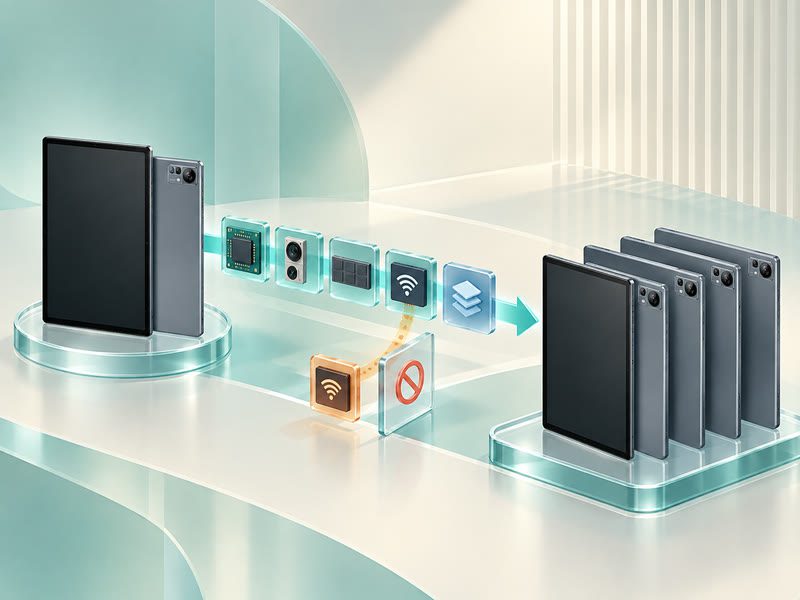
GetMi’s laptop catalog lists TK-E100W and TK-E140W with Windows support. Its tablet catalog lists Lite 101, Lite 10A, and Pro 10A with Android. Those catalog entries do not document a Windows conversion for the Android models. Confirm the selected Windows model’s availability, OS build, firmware, drivers, and peripheral results for the exact order in writing.
FAQs
Does an Intel Processor Make an Android Tablet Windows-Ready?
No. An Intel processor identifies the CPU architecture, not the complete Windows platform. Ask the tablet manufacturer for a supported Windows configuration and a tested sample of the exact board revision.
Can a Windows Launcher or EXE Emulator Replace Local Windows?
No. A launcher changes the Android interface, while an emulator may run selected programs. Neither replaces native Windows hardware and driver support. Test an emulator only if the specific application result meets the project’s needs.
Can a Custom Tablet Ship With Both Android and Windows?
Only if the manufacturer designs and validates the exact model for both systems. Require separate images, boot and recovery tests, drivers, and an update plan for each OS. A single-OS catalog listing does not confirm dual-boot support.
What If the Android Tablets Have Already Been Purchased?
Ask whether the purchased board revision has a manufacturer-supported Windows image. Without one, use the batch for its approved Android workflow or test remote access where the connection and peripherals allow it. Source native Windows hardware for work that must run locally.

