


Windows vs. Android Tablets: Which OS Should You Specify for a Custom Tablet Order?
Post Author:
GetMi Team
Date Posted:
August 25, 2026
Share This:
Specify Windows when the tablet must run a tested Windows desktop application or a driver-dependent peripheral. Specify Android when the work uses a tested Android app, browser workflow, or managed touch interface. Put the operating system in the approved sample and RFQ, not a generic product listing.
Do not choose the OS from screen size, a keyboard case, or a product photo. Choose it from the full job the tablet must complete, including the app, account, peripheral, device policy, and recovery path.
What Are the Key Differences Between Windows and Android Tablets?
Windows and Android tablets differ most in their application path, peripheral setup, and device-management model. The buyer should compare those differences before choosing a model or fixing the hardware configuration.
| Decision Factor | Windows vs. Android Difference to Test |
|---|---|
| Application compatibility | Windows fits a named desktop application or Windows-supported software path. Android fits a tested Android app or browser workflow. |
| Input and peripherals | Compare the full connection path, including the required app or driver, peripheral, power setup, and expected result. |
| Device management | Plan enrollment, app distribution, updates, factory reset, and recovery separately for each operating system. |
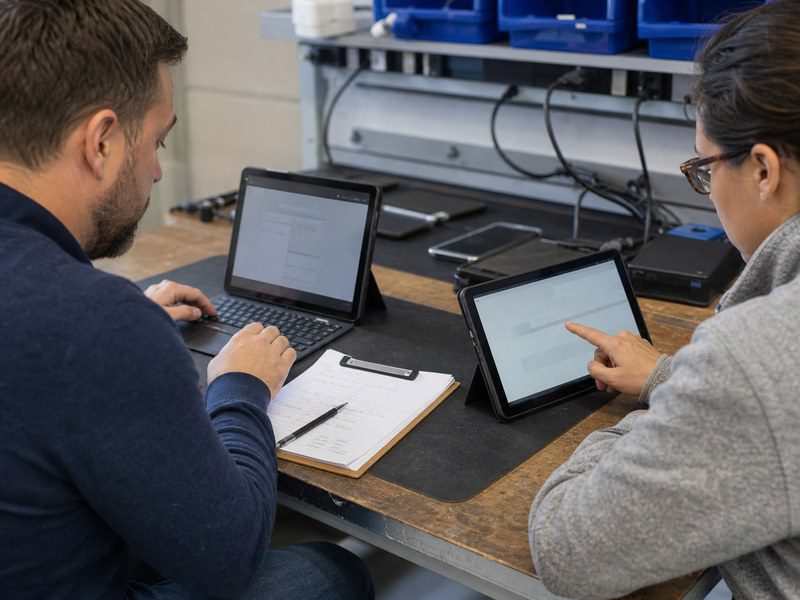
Application Compatibility
Windows fits an order when the task depends on a named Windows desktop application, a desktop file workflow, or software that requires Windows support. Android fits an order when a tested Android app or browser workflow completes the work. The app name alone is not enough. Test the exact app version, account method, permissions, and user task on the intended operating-system build.
Input and Peripheral Support
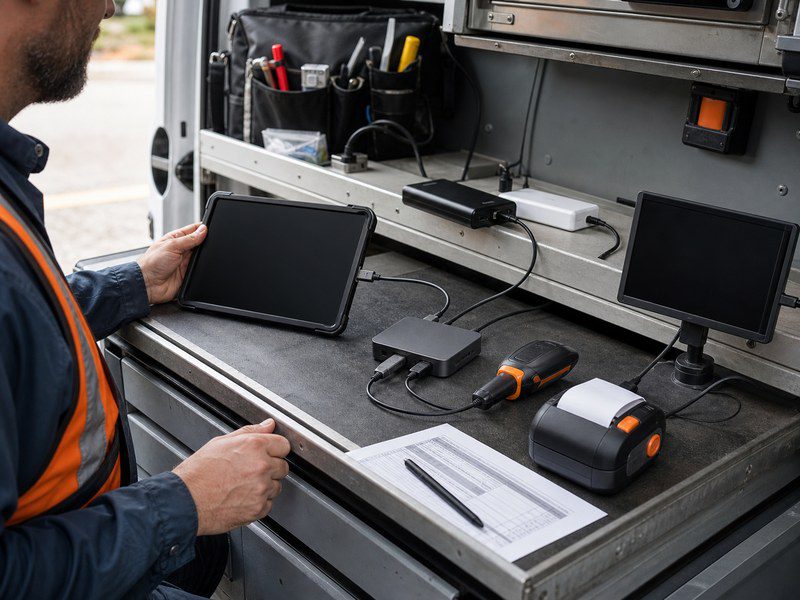
A keyboard, USB-C connector, or Bluetooth label does not decide which operating system fits the order. The decision depends on the complete connection path for the selected dock, scanner, printer, display, payment device, cable, charger, and power source. A buyer should record the required app or driver, connection method, power condition, and expected result for each peripheral that affects the job.
Device Management
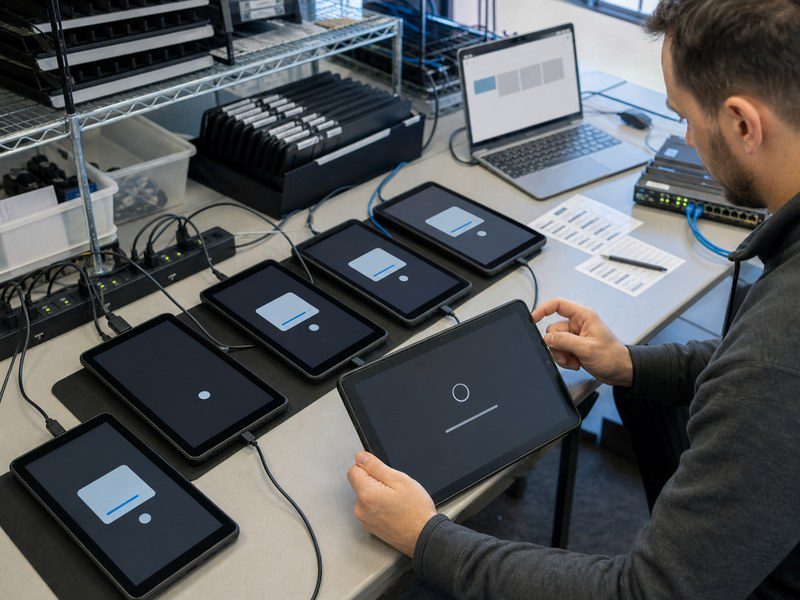
Windows and Android need separate enrollment, app-distribution, update, factory-reset, and recovery plans. A shared business project can use both systems, but each system needs its own software baseline and approval record. Test the device policy with the required app and account before approving the sample.
A tablet computer for business must follow the management and recovery path that the support team can operate after delivery.
Which OS Fits the Required Workflow?
Choose Windows for a workflow that requires tested Windows software or a Windows-dependent peripheral path. Choose Android for a workflow that has passed through the intended Android app, browser, or managed touch interface. When one project needs both, define separate Windows and Android SKUs instead of treating the systems as interchangeable.
| Workflow Condition | OS Decision and Approval Test |
|---|---|
| The job requires a named Windows desktop program or Windows-dependent driver. | Specify Windows. Run the real task with the production-intent account, peripheral, and power setup. |
| The job runs through a touch-first Android app or browser workflow. | Specify Android. Test app access, device policy, peripherals, and restart recovery on the selected build. |
| Different user roles need different software paths. | Define separate Windows and Android SKUs, then approve each model and software baseline separately. |
Choose the OS before locking storage, ports, chargers, cases, and mounts. If an app or peripheral test does not meet the pass criteria, the hardware configuration and accessory bundle may need to change.
For an Android workflow, a named candidate such as the GetMi Lite 108C Tablet PC gives the project team a clear model reference for the sample record. The buyer must still confirm the exact configuration before approval.
After the buyer confirms the application path, use wholesale tablet PCs to shortlist hardware candidates. The category can narrow the device class, but it cannot replace a model-level app and peripheral test.
What Should Buyers Test Before Approving a Windows or Android Tablet?
Buyers should approve an operating system through a production-intent sample, not a showroom demonstration. The sample must use the same model, OS build, software path, accessories, and device policy planned for the order.
- Document the real job, including the account type, network condition, user steps, and required output.
- Run the job on the selected model with the intended operating system, app source, peripheral set, power setup, and management policy.
- Record the model, hardware revision, OS edition or release, build identifier, app versions, accessory part numbers, and pass criteria.
- Repeat the test after factory reset and after any software, accessory, or policy change that affects the workflow.
The sample should also show what happens when the network drops, a user signs out, an update is pending, or a peripheral reconnects. Those tests matter for shared devices, kiosks, field work, and staff who cannot troubleshoot a tablet at the point of use.
What Should the RFQ and Purchase Order Specify?
The RFQ should name the required Windows or Android configuration. When buyers build a tablet PC for a custom order, include the exact build and approval test the supplier must repeat.
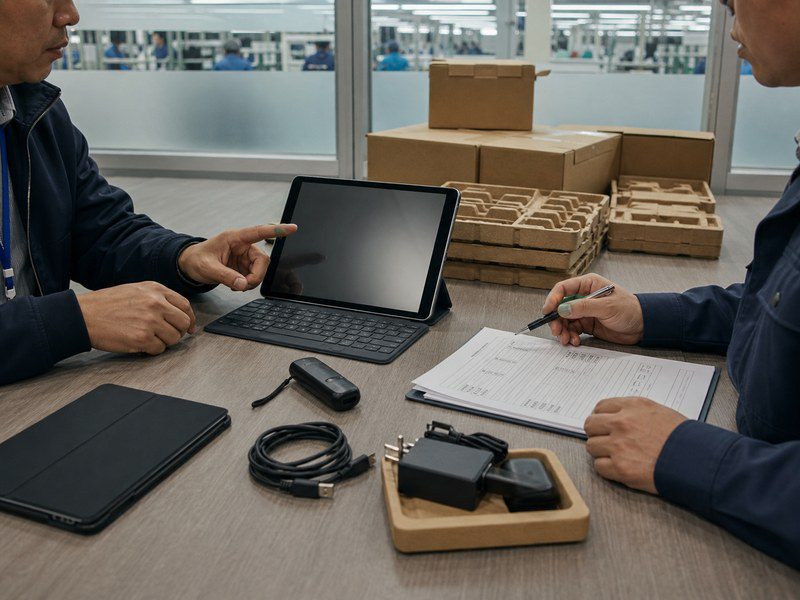
- Model: factory model, buyer SKU, and hardware revision
- OS and software: edition or release, build ID, app source, and account or device mode
- Test setup: required peripherals, power, and network conditions
- Approval: approved sample, pass criteria, and change and retest rules
Use this same requirement pack to compare OEM tablet manufacturers.
Ask GetMi or another supplier to confirm MOQ, lead time, warranty scope, certificate files, and destination-market documents in writing.
FAQs
Can an Android Tablet Run a Windows Application?
An Android tablet does not become a Windows tablet by installing an Android app. A business system may provide a browser or remote-desktop route, but the buyer must test identity, network loss, peripheral behavior, and recovery on the selected Android sample before treating that route as acceptable.
Should a Custom Android Tablet Include Google Mobile Services?
Require Google Mobile Services when the planned application, app-distribution, or account workflow needs it. The RFQ should name the required service path and require confirmation on the exact model and software image. An Android label alone does not confirm service availability.
Does a Keyboard Mean the Order Needs Windows?
No. A keyboard is an input requirement, not an operating-system decision. Choose Windows or Android from the tested application, management, and peripheral workflow, then test the selected keyboard and layout with the approved tablet build.
Can a Windows Tablet and an Android Tablet Use the Same Peripheral?
They may use the same peripheral when each tablet and OS path passes the full connection and work test. A shared connector, cable, or product listing does not prove that the app, driver, power behavior, and device policy will work the same way on both platforms.
Can One Custom Order Include Both Windows and Android Tablets?
A buyer can request separate Windows and Android SKUs for one project, but each SKU needs its own model, software baseline, app test, accessory set, and acceptance record. Do not treat Windows and Android versions as interchangeable when the task, driver, or management route differs.

