


Portable Monitor for Phone: A Compatibility Guide for Importers
Post Author:
GetMi Team
Date Posted:
August 13, 2026
Share This:
A phone can connect to a portable monitor when the phone provides an external video path and the monitor input, cable or adapter, and power path work together. Importers should promise phone compatibility only after that exact configuration passes testing.
Can a Phone Connect to a Portable Monitor?
A phone can connect to a portable monitor when the phone can send external video and the approved monitor setup receives the signal with adequate power. A USB-C port alone does not prove compatibility.
Phone Video Output Capability
The phone must support external video through USB-C or through an approved adapter path. Some phones use USB-C for charging and data without supporting external video, so they cannot drive a monitor through a direct USB-C cable.
Phone video output test with portable monitor](https://getmilaptop.com/wp-content/uploads/2026/08/phone-portable-monitor-video-output-test.jpg "phone portable monitor video output test")
Approve phones by exact model, regional variant when relevant, operating system version, and tested result. Retest an approved route after a material operating system update, then update the matrix if the result changes.
Monitor Signal Input and Cable Matching
Each approved route needs a monitor input that matches the phone output path. A direct USB-C setup needs a USB-C monitor port that accepts video and the specified cable. An HDMI setup needs the monitor’s HDMI or Mini HDMI input, a tested phone adapter, and the cable path named in the test record. The GetMi P156 Portable Monitor is one example with USB-C, Mini HDMI, and a listed power input, but its phone connection still requires configuration testing.
Do not replace the approved cable with a similar-looking cable without retesting. Record the cable part number, length, and connector type so the packed accessory matches the tested sample.
External Power Planning
Treat phone-powered use as a test result, not a product promise. A phone may send video while providing too little power for the monitor at the approved brightness setting or during extended use.
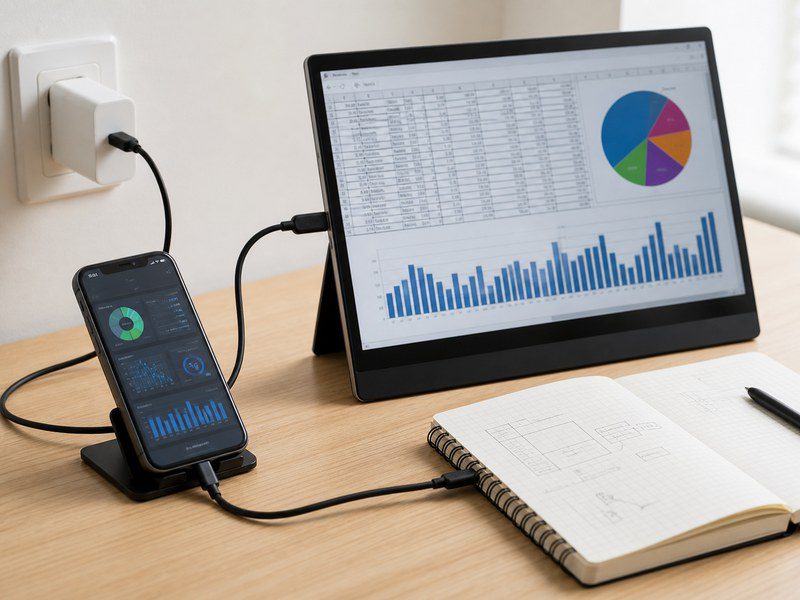
Test the monitor, phone, cable, adapter, and power supply as one setup. Record whether the monitor needs its own adapter, whether the phone charges during use, and what happens when the phone battery is low. The manual should show the approved power path rather than tell customers to try any charger.
Which Phone Connection Setup Should Importers Approve?
Importers should approve one primary wired route for each target phone group. Start by narrowing the portable monitor models by input and power design, then test each phone route. Add an HDMI or wireless route only when its use case justifies the added support work.
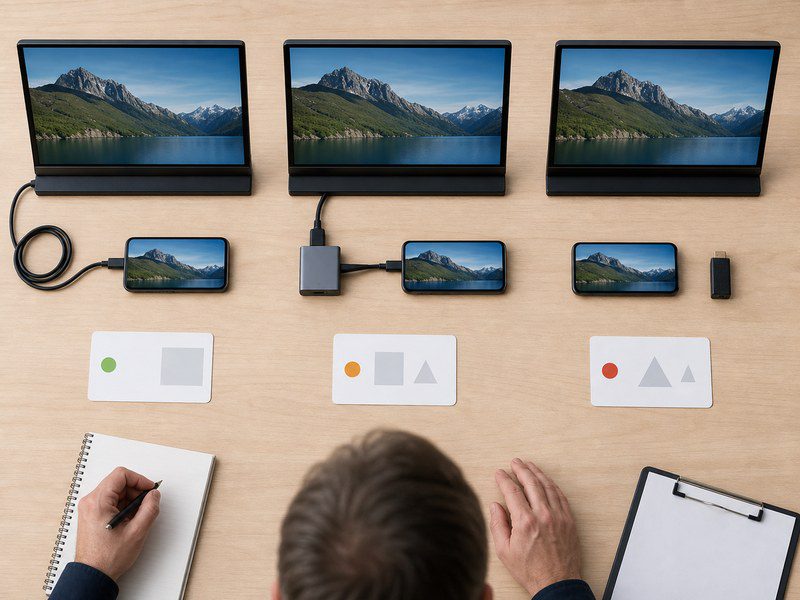
| Setup | Best use | Approval condition | Main support risk |
|---|---|---|---|
| Direct USB-C video | Phones with verified external video output | The exact phone, monitor port, cable, power behavior, and display result pass testing | The USB-C port charges a phone but does not carry video |
| HDMI adapter | Phones that need a tested adapter path | The named adapter, HDMI cable, monitor input, and external power path pass testing | The box omits an adapter, cable, or power requirement |
| Wireless receiver | Demos or mobile viewing where cable-free use matters | The receiver protocol, phone models, network condition, and recovery behavior pass testing | Pairing failures, delay, or app-specific limits |
Direct USB-C Video Connection
A direct USB-C route uses the fewest components, but it still needs a compatible phone, a video-capable monitor port, and the approved cable. Test whether the phone supplies enough power before describing the setup as one-cable operation.
Check both screen orientations, display wake and reconnect behavior, audio routing, phone temperature, and battery draw. If the monitor needs external power, state that requirement in the listing and quick-start guide.
HDMI Adapter Connection
An HDMI adapter route can support phones outside the approved direct USB-C group, but the adapter becomes part of the product system. The test record should name the adapter model, firmware status when applicable, ports, required cable, and power requirement.
Treat separate monitor power as required unless the approved configuration documents another power path. Include every required item in the package list or state what the buyer must supply.
Wireless Receiver Use Cases
Use wireless only for a defined demo, training, or mobile-viewing case. A wireless route needs its own approval record for the receiver protocol, phone model, network condition, pairing steps, recovery after sleep, and app-specific limits. The wireless portable monitor guide covers the wider receiver-selection questions.
Do not use a general Wi-Fi or Bluetooth statement as proof of phone screen casting support. A wired route is the safer default when a retail or project SKU needs predictable setup.
What Should a Phone Compatibility Matrix Include?
A phone compatibility matrix should show sales teams, customers, and production staff which exact combinations passed, which did not, and which conditions apply.
Tested Phone Models and Software Versions
List the phone manufacturer, full model name, regional variant when relevant, operating system version, and test date. Mark each result as approved, limited, or not approved.
Each approved result should name the tested connection type. “Android supported” and “iPhone supported” do not give a distributor a repeatable support answer.
Approved Video and Power Configurations
Record the monitor model and hardware revision, input port, cable part number and length, adapter model, power supply, and any required connection order. Add the tested brightness setting when it affects power stability.
The matrix should also state whether the phone charges, discharges, or needs external power during use. This result affects box contents, manual instructions, customer expectations, and the support workflow.
Display Mode and Connection Limits
Record whether the phone mirrors its screen, provides a desktop-style interface, or has another approved display behavior. Note resolution, orientation, audio routing, touch behavior, sleep recovery, and named apps when those results affect a customer claim.
Use a separate limitations field. It can state that direct USB-C video is not approved, external power is required, touch is not approved, or a named app has not passed. A specific limit helps prevent returns more effectively than a broad compatibility statement.
How Should Importers Validate Support Claims Before Mass Production?
Importers should validate phone support on production-intent samples, then lock every component and customer-facing claim before mass production starts.
Production Sample Tests
Test every approved phone route with the intended monitor revision, cable set, adapter, power supply, packaging, and manual draft. Start from a cold connection, then repeat the test after screen lock, sleep, cable removal, power loss, and reconnect.
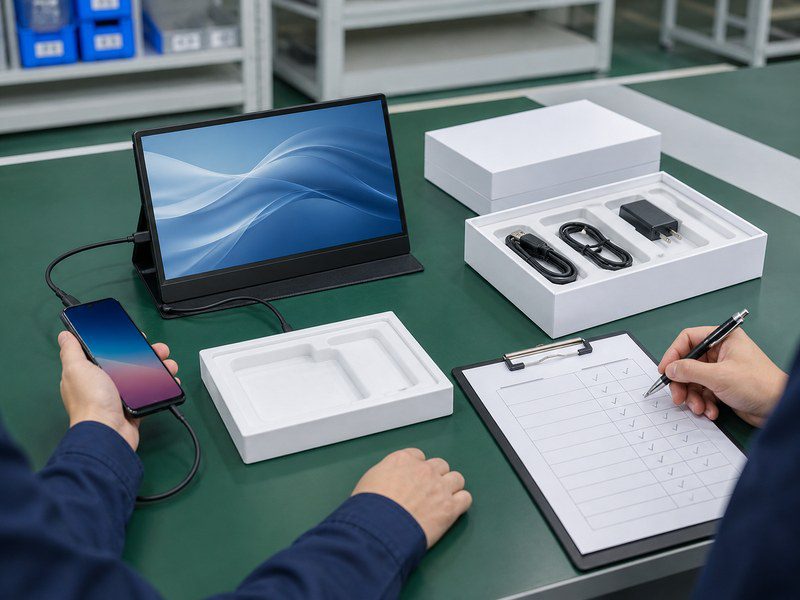
Test common customer actions such as rotation, brightness changes, audio selection, and extended use. Keep photos, video, and a signed test record with the sample approval file. The goal is a repeatable customer setup, not a single successful connection.
Failed Connection Checks
Record the cause and disposition of each failed setup. Check for no signal, intermittent image loss, flicker, incorrect input selection, weak power, adapter or cable faults, audio loss, touch failure, and reconnect failure after sleep.
Treat a workaround as a limited result. If a phone works only with one adapter, external power, or a specified software version, state that limit in the matrix and packaging.
Changes Before Mass Production
Retest compatibility when the monitor board, firmware, USB-C controller, input port, cable, adapter, power supply, or manual instructions change. Lock the final compatibility matrix, bill of materials, package contents, manual artwork, and product copy to the same version. The portable monitor OEM process can then keep the sample, packaging, and production records aligned.
Any exception should trigger documented review before production resumes. This change control requires review before a substitution changes the customer setup.
What Should Importers Lock Into the Packaging and Quote?
The packaging and quote should define the approved phone setup in enough detail that the delivered SKU matches the tested sample.
Product Copy and Manual Language
Use conditional, specific language. A portable monitor can state that phone connection requires a compatible phone with approved external video output and the specified cable or adapter. It should not claim compatibility with all USB-C phones.
The quick-start guide should show the approved connection order, monitor input, power requirement, supported phone groups, and contact path for unsupported devices. If an app has not passed on an approved route, list that result instead of making a broad playback promise.
Quote Requirements
The quote should identify:
- Portable monitor model, hardware revision, and input configuration
- Approved phone connection routes
- Cable type, length, quantity, and part number
- Adapter model and included accessories
- External power supply and plug requirement
- Compatibility matrix version and test scope
- Manual language, packaging copy, labels, and barcode requirements
- Production-sample approval and change-control requirements
Treat MOQ, sample cost, lead time, warranty, and certificate scope as items requiring written confirmation for the exact SKU and destination market. Importers sourcing wholesale portable monitors should request those confirmations before approving the order. For an OEM or private-label program, GetMi can receive the approved configuration, packaging requirements, and sample record as quote inputs.
FAQs
Can a Portable Monitor Touchscreen Control a Connected Phone?
A touchscreen portable monitor should not be promised to control a connected phone unless the exact phone, monitor, cable path, and operating system behavior have passed testing. Video output alone does not prove that touch data returns to the phone.
Why Can a Streaming App Show a Black Screen on a Phone Connected Portable Monitor?
Treat a black screen in a streaming app as an unapproved result for that phone, app version, and display path. Record the result in the matrix and do not promise playback for that app until the exact setup passes testing.
Can a Phone Send Audio to the Portable Monitor’s Speakers?
A phone can send audio to monitor speakers only when the approved connection path, monitor model, and phone audio settings support that result. Confirm the audio route during sample testing and state the limit if the monitor has no speakers or the connection does not carry audio.
Should a Portable Monitor Bundle for Phone Users Include a Keyboard and Mouse?
Include a keyboard and mouse only when the approved phone workflow benefits from them and the bundle instructions explain the setup. A phone-mirroring bundle may not need them, while an approved desktop-style workflow may create a stronger use case.
Can One Portable Monitor SKU Support Both Phones and Laptops?
One portable monitor SKU can support phones and laptops when each device group has its own verified connection, power, cable, and display-mode requirements. A laptop compatibility claim does not prove phone compatibility.

