

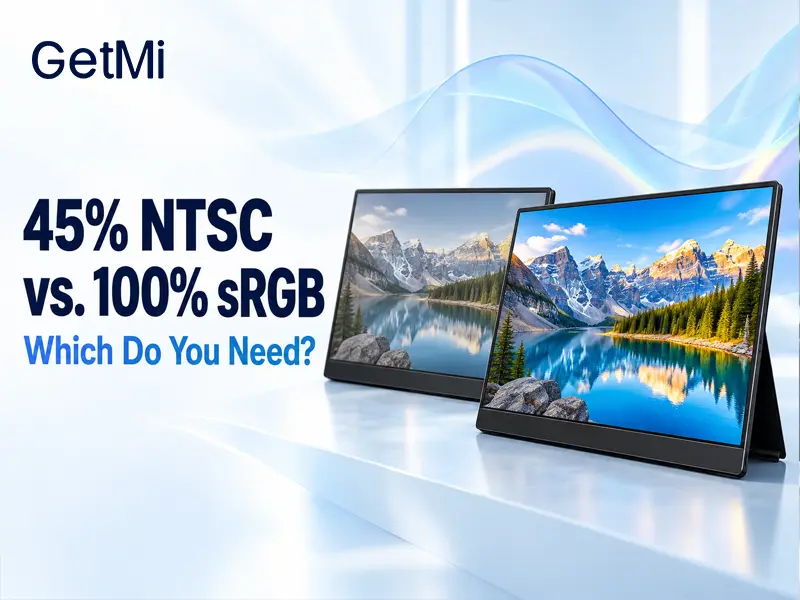
45% NTSC vs. 100% sRGB: Which Do You Need?
Post Author:
GetMi Team
Date Posted:
October 16, 2026
Share This:
A display specified at 45% NTSC can be sufficient for documents, spreadsheets, business forms, and general viewing when precise color judgment is not part of the job. Choose a display with verified 100% sRGB coverage when users need to edit or evaluate sRGB images and graphics. The two percentages use different reference gamuts and cannot be compared directly. Full sRGB coverage also does not guarantee accurate color; calibration and measured performance still matter.
What Do 45% NTSC and 100% sRGB Mean?

Color gamut describes the range of colors a display can reproduce. NTSC and sRGB are different reference gamuts, so their percentages measure the display against different targets.
In display specifications, NTSC generally refers to the historical NTSC 1953 reference gamut. A “45% NTSC” specification describes a relatively limited gamut compared with that reference. However, the label may not state whether the percentage represents gamut area or actual coverage.
A claim of “100% sRGB” should likewise be clarified. If it means measured coverage, the display encompasses the sRGB reference gamut under the stated test method. If it means only an area ratio, it does not establish that every part of the sRGB gamut is covered.
The important distinction is between the size of a gamut and its overlap with the target.
| Specification | What It Can Tell You | What It Does Not Establish |
|---|---|---|
| 45% NTSC | Gamut size or coverage relative to an NTSC reference, depending on the stated method | An exact sRGB coverage percentage |
| 100% sRGB coverage | Coverage of the sRGB target under the measurement method | Low color error, good uniformity, or correct settings |
| 100% sRGB area ratio | Gamut area equal to the reference area | Complete overlap with sRGB |
| IPS panel | A type of LCD panel technology | A particular gamut or calibration result |
EIZO’s explanation of monitor color gamut distinguishes area ratios from coverage. Two gamuts can occupy similar areas while covering different colors.
Can You Convert 45% NTSC Into an Exact sRGB Percentage?
No. The NTSC percentage alone does not provide enough information to calculate the display’s exact sRGB coverage.
The frequently repeated comparison between approximately 72% NTSC and the area of sRGB comes from a particular chromaticity-area comparison. It is not a universal conversion between measured coverage values. BenQ’s color-gamut guide explains why equal area does not establish equal color coverage.
This also means that dividing 45 by 72 does not produce a reliable sRGB coverage specification. The calculation compares areas under an assumption; it does not tell you how the panel’s actual red, green, and blue boundaries overlap sRGB.
For purchasing, ask for measured sRGB coverage when that is the requirement. Do not turn a 45% NTSC entry into an exact sRGB claim on a quotation or product listing without supporting measurements.
When Is 45% NTSC Enough?
A 45% NTSC display is worth considering when the screen mainly communicates information and users do not need to approve colors. Its suitability should come from the complete viewing experience rather than the gamut label alone.
For email, spreadsheets, order entry, and many training tasks, readable text, suitable brightness, manageable reflections, and stable operation may matter more than full sRGB coverage. Paying for a broader gamut may provide little benefit if the workflow does not depend on it.
The distinction is whether users are viewing content or judging its color. A sales representative reading product information has different requirements from a designer approving the product photograph. Both may open the same image, but only one is making a color-dependent decision.
A limited-gamut screen can still display photographs and video. It may reproduce some saturated colors less faithfully, so it should not be treated as a reliable reference for color-sensitive editing. General viewing is not the same requirement as image approval.
When Should You Choose 100% sRGB Coverage?
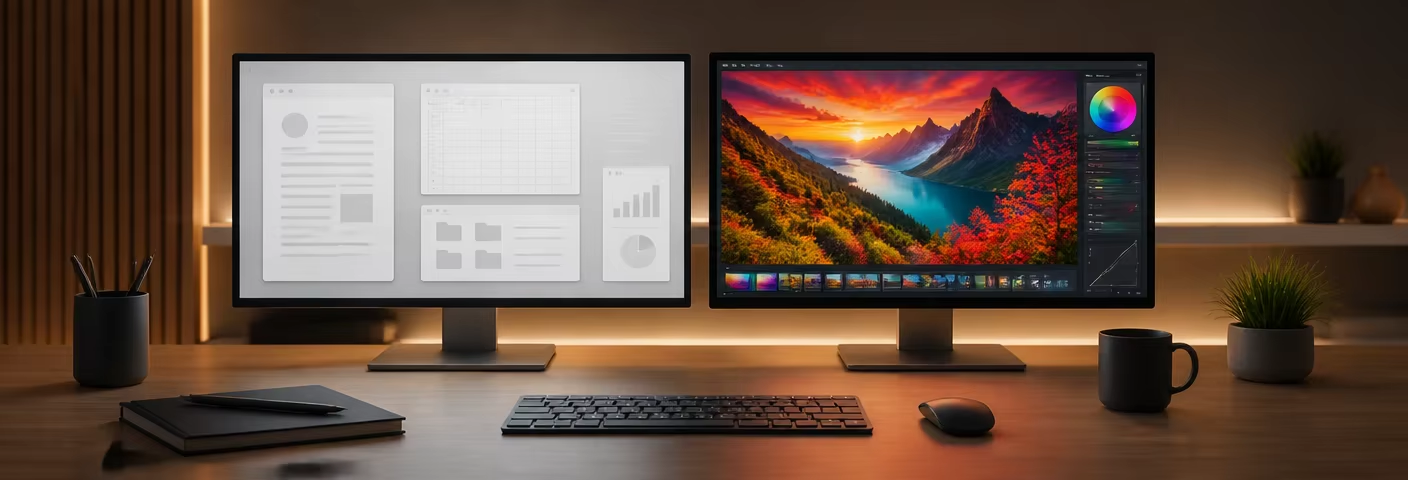
Choose verified full sRGB coverage when the work involves creating, comparing, or approving content intended for an sRGB workflow. This includes many web graphics, product photographs, presentation assets, and digital marketing images.
The display should be capable of reproducing the target gamut before users rely on it to judge edits. Otherwise, an adjustment made to compensate for the screen can produce an unsuitable result on a correctly configured reference display.
The following matrix helps separate everyday viewing from color-dependent work.
| Main Task | Sensible Starting Point | Additional Check |
|---|---|---|
| Email, spreadsheets, and data entry | Compare a 45% NTSC candidate | Text, reflections, brightness, and viewing position |
| Training and general media viewing | Evaluate the actual content | Whether limited color reproduction affects the material |
| Editing sRGB product photographs | Verified 100% sRGB coverage | Calibration, color error, and application settings |
| Preparing web graphics and marketing assets | Verified 100% sRGB coverage | Consistency with the approved workflow |
| Print proofing or specialist video work | Requirements defined by the output workflow | Whether sRGB is the correct target at all |
Full sRGB is not automatically sufficient for every professional creative task. Print and video workflows may require other targets and additional controls. Specify the intended output rather than choosing the largest percentage available.
Does 100% sRGB Guarantee Accurate Color?

Does 100% sRGB Guarantee Accurate Color
No. Gamut coverage describes the range of colors the display can reproduce. Color accuracy describes how closely the colors it actually displays match the intended values.
A display can cover sRGB yet show an incorrect white balance, inaccurate tones, or noticeable color errors. Brightness and color may also vary across the screen. These properties need separate assessment.
BenQ’s calibration-report guidance shows why measurement conditions matter: a report identifies the target mode, white point, tonal response, and color-error method. A percentage without those conditions is less useful for approving a color-sensitive display.
Ask whether the report applies to the specific unit, a representative sample, or only the panel specification. For color error, identify the Delta E formula, test patches, and whether the reported result is an average or maximum. Agree on limits suitable for the project rather than assuming one number guarantees every workflow.
A wider native gamut also needs appropriate handling when displaying sRGB material. Check the available sRGB mode or the intended color-managed application and display profile. More saturated output is not necessarily more accurate output.
How Should You Compare Display Samples?
Compare both candidates using the intended applications and representative content. A visual review can reveal usability differences, while numerical gamut and accuracy claims require suitable measurement equipment.
Use similar screen brightness and consistent ambient lighting. Record picture modes and disable automatic adjustments that would make the comparison inconsistent. Identical brightness percentages in two menus do not prove equal light output.
For everyday office use, inspect text, pale backgrounds, charts, and the normal working position. Determine whether the narrower-gamut candidate meets the actual need.
For color-sensitive work, use suitable tagged images in the intended color-managed workflow. A qualified measurement should report gamut coverage and color accuracy under defined settings. Photographs of two screens are not reliable evidence of their measured gamut or color accuracy.
Keep the sample identity, display settings, software configuration, measurement method, and result together. These details make the approval meaningful if the proposed panel changes later.
What Should Buyers Ask the Supplier to Confirm?
Request the metric that matches the job. If users need sRGB coverage, a quotation stating only “45% NTSC,” “wide color,” or “IPS display” does not resolve that requirement.
The useful questions are specific:
- Does the percentage mean coverage, area ratio, or another metric?
- Which reference gamut and chromaticity method were used?
- Which display mode and settings apply to the result?
- What evidence supports color accuracy and uniformity where required?
- Which panel or approved configuration does the evidence describe?
A relevant example is the GetMi P140 portable monitor, whose current product page lists a 14-inch IPS display and 45% NTSC gamut. The IPS description does not establish full sRGB coverage, and the published NTSC entry should not be rewritten as an exact sRGB percentage.
Use the GetMi portable monitor range to identify candidates, then compare current specifications against the intended workload. If full sRGB coverage is required, ask GetMi to confirm an appropriate configuration and its supporting evidence.
For a project inquiry, contact GetMi with the main applications, whether users will view or approve colors, the target color space, and order quantity. This gives the team a clearer requirement than a request for a “better-color screen.”
Frequently Asked Questions
Is a 45% NTSC Screen Unsuitable for Office Work?
Not automatically. It can be suitable when the work is mainly text and information handling. Evaluate readability and the complete display rather than rejecting it solely on gamut.
Will Calibration Turn a 45% NTSC Display Into a 100% sRGB Display?
Calibration can improve reproduction within the display’s capabilities. It cannot make the panel reproduce colors outside its physical gamut.
Does IPS Mean 100% sRGB?
No. IPS identifies panel technology, while sRGB coverage describes gamut. The exact display specification must establish both separately.
Is 120% sRGB Always Better Than 100% sRGB?
No. A percentage above 100% may describe area or volume rather than coverage. Extra gamut outside sRGB does not guarantee complete sRGB coverage or accurate reproduction.
Can a 45% NTSC Secondary Screen Be Used Beside a Calibrated Main Display?
Yes, for tasks such as tools, documents, and messaging. Keep color-dependent decisions on the qualified reference display rather than expecting both screens to match.

