

IPS vs. VA: Which Monitor Panel Fits Your Office or Portable Screen?
Post Author:
GetMi Team
Date Posted:
October 14, 2026
Share This:
Choose IPS when your office or portable monitor needs consistent image appearance as you change position, share the screen, or adjust its tilt. Consider VA when you mainly sit directly in front of the display and deeper blacks are a priority. Neither panel type guarantees sharp text, accurate colors, or smooth motion. The final choice should come from comparing the complete monitors under the conditions in which people will actually use them.
What Is the Difference Between IPS and VA?
IPS stands for in-plane switching, while VA stands for vertical alignment. Both are LCD panel technologies, but they control liquid crystal alignment differently. For everyday purchasing decisions, the most useful distinction is usually viewing consistency versus native contrast.
IPS generally maintains brightness and color appearance more consistently when viewed from different positions. VA commonly offers higher native contrast, helping dark image areas appear deeper when viewed directly. These are starting points for selection, rather than acceptance criteria for every monitor.
The comparison below connects those tendencies with practical office and portable-screen requirements.
| Selection Factor | IPS Tendency | VA Tendency | What to Check |
|---|---|---|---|
| Viewing from different positions | More consistent image appearance | More noticeable changes in tone or contrast | View the same document from normal working positions |
| Black levels | Often lighter blacks on conventional models | Often deeper blacks | Compare dark content at similar white brightness |
| Shared viewing | A useful starting point | May need closer evaluation off-center | Review charts and images with another viewer |
| Office text | Panel type alone does not establish clarity | Panel type alone does not establish clarity | Check resolution, scaling, and actual applications |
| Motion | Depends on the panel and monitor settings | Depends on the panel and monitor settings | Test scrolling and moving content |
| Portable use | Useful when tilt and position change frequently | Evaluate the intended viewing arrangement | Test the complete monitor with its normal support |
Manufacturer guidance from BenQ identifies viewing-angle consistency and contrast as important differences. However, a purchasing decision still needs model-specific evidence.
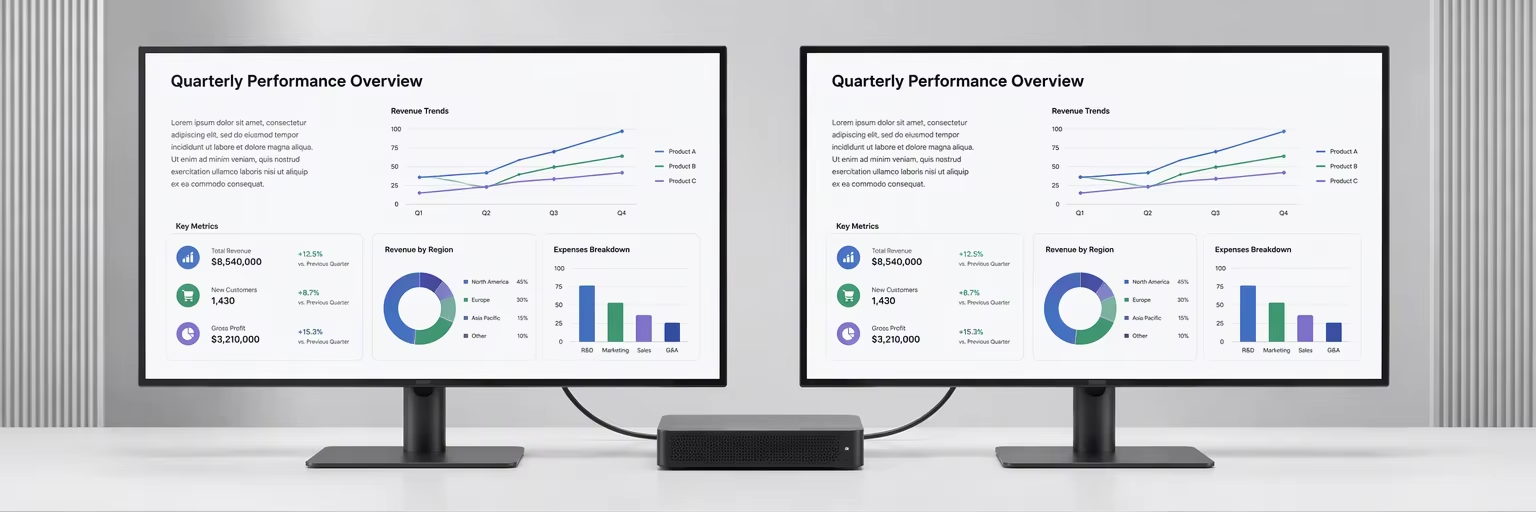
monitor sample test
Which Panel Fits Everyday Office Work?
IPS is a practical starting point for shared desks, side-mounted displays, and work that involves reviewing images with colleagues. VA can also serve ordinary office tasks when the user stays centered and the chosen monitor provides satisfactory text clarity and motion.
For spreadsheets, email, and document editing, first examine how much usable information the screen displays. Screen size, resolution, and operating-system scaling affect whether text is comfortably readable and whether the workspace feels crowded. A panel label does not answer those questions.
The physical arrangement matters as well. A secondary monitor may sit at an angle beside a laptop, while a large desktop display places its edges farther from the viewer’s direct line of sight. Test both the center and edges with the applications employees will use.
For design-related work, separate viewing consistency from color accuracy. IPS is often a useful candidate, but the supplier still needs to document the relevant color gamut and calibration performance. A basic IPS monitor should not be assumed suitable for approving brand colors or print output.
When Does VA’s Higher Contrast Matter?
VA deserves consideration when deeper blacks are important and the main viewer stays directly in front of the monitor. This can apply to video review, dark visual content, or mixed office and media use.
Higher native contrast does not automatically make a spreadsheet easier to read in a bright office. Room reflections, screen brightness, and the chosen interface theme can affect the visible result. Compare the displays in the intended environment rather than making the decision from a contrast figure alone.
Avoid treating older contrast ranges as permanent rules. For example, Dell’s UltraSharp U4924DW uses IPS Black technology and lists a 2000:1 contrast ratio. This does not establish the performance of other IPS products, but it illustrates why the exact model matters.
Motion also needs its own check. Scroll a document and a dark application interface at the intended refresh rate. Look for distracting trails or bright outlines around moving elements, and record the monitor’s response settings. A single advertised response-time figure should not replace this comparison.
Why Do Viewing Angles Matter More on a Portable Screen?
A portable monitor may be positioned below eye level, tilted on a small table, placed beside a laptop, or turned toward a customer. That makes image consistency across realistic positions particularly useful.
This is why IPS is a sensible baseline for many portable office-screen projects. The recommendation follows from the expected movement of the screen and viewer; it does not mean that every IPS portable monitor will perform well.
A quoted 178° viewing angle is also insufficient evidence of consistent color. EIZO’s display-quality guide explains that viewing-angle specifications can describe visibility at a low contrast threshold without establishing color uniformity. Evaluate the actual image as the display is tilted and viewed from the side.
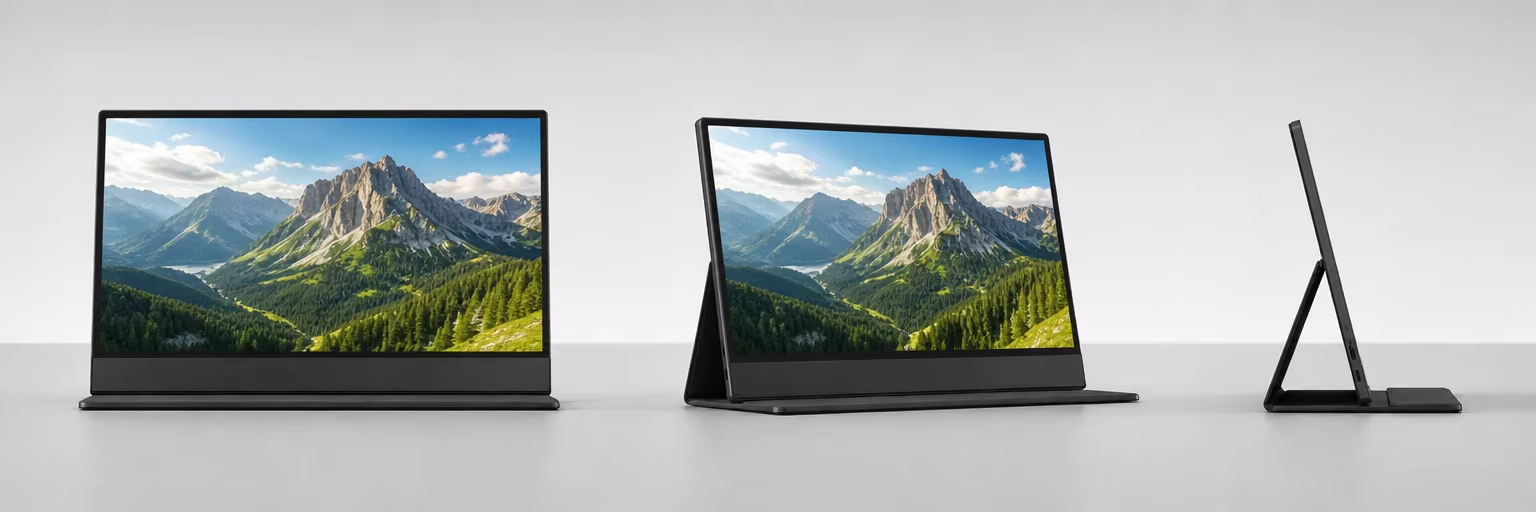
The complete portable product needs separate approval. Its support, surface finish, cables, power arrangement, and host compatibility may determine whether it is convenient to use. Review the GetMi portable monitor range to identify candidates, then request the current specification for the exact configuration under consideration.
How Can You Compare IPS and VA Samples Fairly?
A useful comparison keeps the content, settings, and environment consistent. Otherwise, differences in brightness or picture mode can be mistaken for differences in panel technology.
Establish Comparable Settings
Use the intended host computer and normal working applications. Select each display’s native resolution, record scaling and refresh rate, and choose comparable picture modes.
For a visual comparison, bring white-screen brightness to a similar comfortable level. If numerical brightness or contrast is part of the purchase specification, use suitable measurement equipment and an agreed method. Matching the percentage shown in two monitors’ menus does not establish equal brightness.
Check the Intended Working Positions
Open a document, spreadsheet, grayscale image, and relevant visual content. Examine each screen from the normal seated position, then from the positions expected during shared viewing.
For portable models, repeat the comparison at the tilt angles users will realistically choose. Record whether text, pale backgrounds, and darker image details remain satisfactory. Photographs can document the setup, but camera exposure should not be treated as an optical measurement.
Test Text and Scrolling
Use ordinary text sizes rather than only enlarged demonstration content. Check fine spreadsheet lines, small labels, and the applications that matter to the deployment.
Then scroll both light and dark interfaces. Record distracting motion artifacts and the settings used. Acceptance should reflect the agreed workload, rather than an unsupported universal response-time threshold.
Keep a Reviewable Approval Record
Save the model identifier, sample serial number, settings, host configuration, and observations. Where several units are available, compare them to assess consistency.
For volume orders, connect this record with the wider portable monitor batch-inspection process. Panel selection is one part of approving the finished product.
What Should a Monitor RFQ Specify Beyond IPS or VA?
A request for quotation should describe the intended work and the display requirements that support it. “IPS monitor” or “VA monitor” leaves too much of the actual viewing experience undefined.
The following fields make proposals easier to compare.
| RFQ Field | What to Specify | Why It Helps |
|---|---|---|
| Intended use | Office documents, shared viewing, portable meetings, or visual review | Establishes the selection priorities |
| Display format | Screen size, resolution, aspect ratio, and refresh rate | Defines the workspace |
| Viewing arrangement | Normal distance, expected tilt, and shared-viewing positions | Makes sample evaluation relevant |
| Optical requirements | Brightness, native contrast, surface finish, and any color targets | Converts expectations into reviewable requirements |
| Connectivity | Target hosts, required inputs, cables, and power arrangement | Defines the complete operating setup |
| Acceptance record | Approved sample, settings, test content, and agreed limits | Provides a common approval reference |
| Substitutions | Changes requiring notification and approval | Helps control later configuration changes |
Where panel identity is important to repeat supply, ask the supplier to identify the approved module and proposed alternatives. Any replacement should be evaluated against the agreed requirements.
If you are sourcing portable screens, contact GetMi with the intended applications, viewing arrangement, target hosts, and order quantity. Ask the team to confirm suitable configurations and provide samples for comparison.
Frequently Asked Questions
Does IPS Automatically Mean Accurate Color?
No. IPS describes panel technology. Color accuracy also depends on the actual display, its calibration, settings, and operating conditions. Projects involving color approval need documented requirements and measurements.
Is VA Unsuitable for Spreadsheets?
No. A VA monitor can be suitable for spreadsheets if its text is clear and the image remains satisfactory from the user’s normal position. Compare the actual screen size, resolution, scaling, and viewing arrangement.
Can Two IPS Monitors Look Different?
Yes. They may use different panels, backlights, surface finishes, settings, and calibration. Matching the technology label does not establish matching image quality.
Does Either Panel Type Guarantee One-Cable USB-C Operation?
No. IPS and VA describe the display panel, not the connection system. Confirm video-input capability, power requirements, the supplied cable, and operation with the intended host.
Should a Buyer Replace an Existing VA Fleet With IPS?
Only if the replacement addresses an identified need. Document issues such as shared-viewing inconsistency or an unsuitable desk arrangement, then compare replacement samples against the existing displays. A panel-label change alone does not demonstrate a worthwhile improvement.

